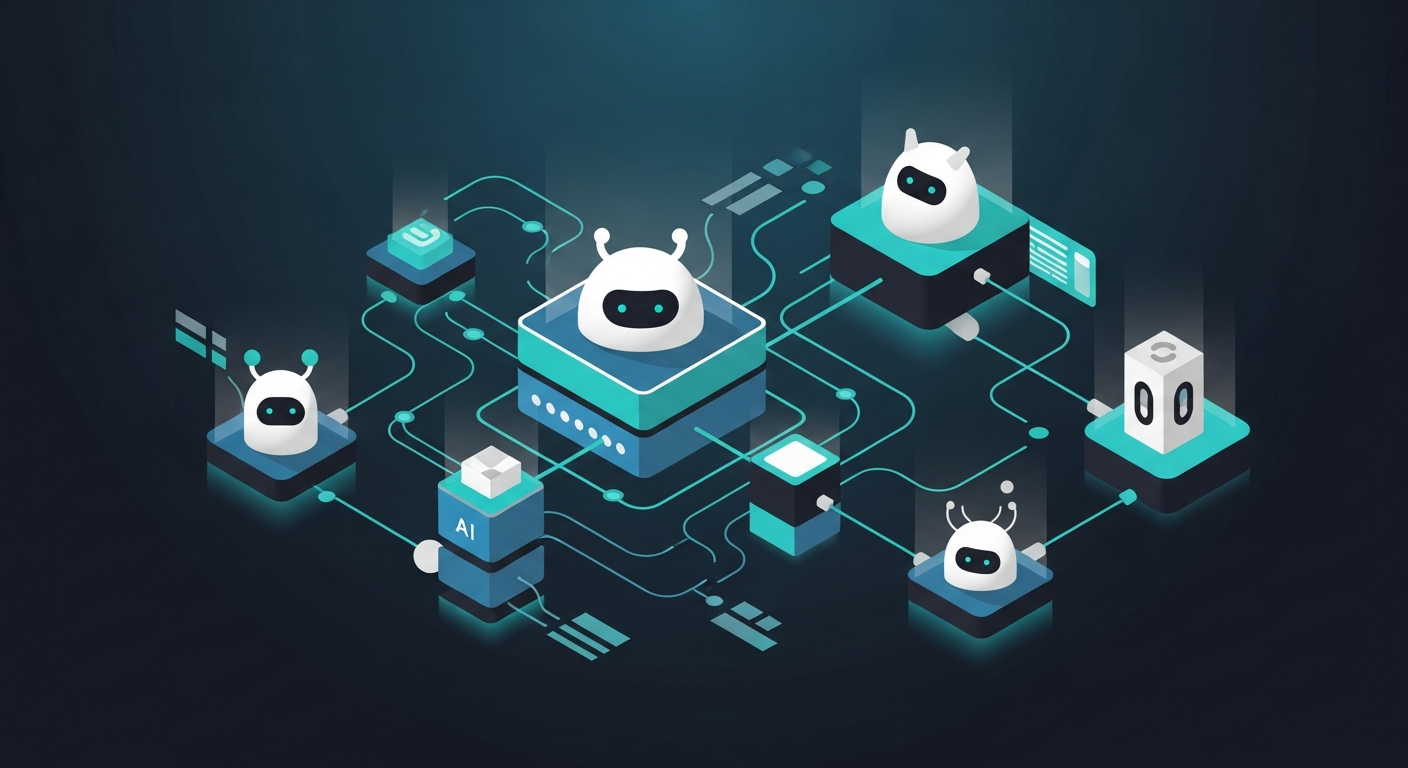
If you're building AI agent workflows, n8n is no longer just a "webhook plus HTTP node" automation tool. As of late 2025, it has native Model Context Protocol support on both ends: it can call external MCP servers and expose its own workflows as MCP tools.
That changes how you think about connecting AI agents to automation. Here are the three distinct ways you can wire n8n and MCP together, and where each one actually fits.
Why MCP Matters for n8n Developers
MCP (Model Context Protocol), open-sourced by Anthropic in late 2024, became the de facto standard for AI-to-tool communication through 2025. The idea is simple: instead of hardcoding tool schemas into every AI app, you expose them through a standard JSON-RPC interface over SSE or streamable HTTP. Any MCP-compatible client, Claude, GPT-4o, Cursor, Windsurf, can discover and call those tools without custom integration code.
n8n added two nodes that put it on both sides of this equation. The community announcement landed in late 2025 and the rollout happened over a few releases.
Option 1: MCP Client Tool Node (n8n Agent Calls External MCP Servers)
The MCP Client Tool node lets any AI agent inside n8n call tools from an external MCP server. You configure it with two things: the SSE endpoint of the server you want to connect to, and the auth method (Bearer token, custom headers, or OAuth2).
You attach it to an AI Agent node the same way you'd attach a HTTP Request tool. When the agent needs to query a database, search the web, or call an external service, it reaches out to the MCP server and gets back structured results.
This is the right node when your AI agent lives inside n8n and you want it to reach external tools without building bespoke HTTP integrations for each one. The catch: it requires the external service to already expose a proper MCP server. Most SaaS tools are not there yet.
Option 2: MCP Server Trigger (n8n Workflows Become MCP Tools)
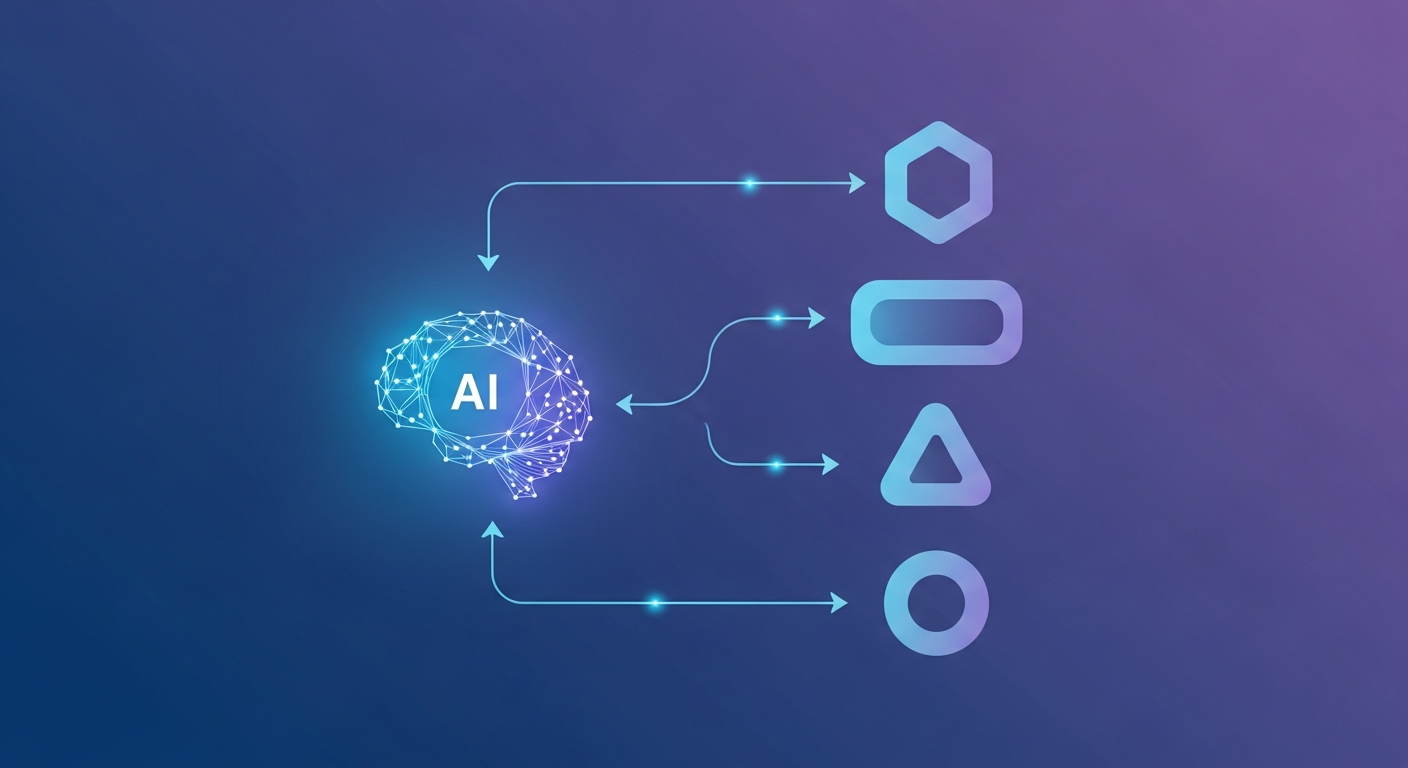
The MCP Server Trigger flips the relationship. Instead of n8n calling out to MCP servers, n8n becomes the MCP server. External AI agents, like Claude Desktop, Cursor, or a custom LLM app, can connect to your n8n workflows and call them as tools.
The setup: add an MCP Server Trigger node as the entry point, attach one or more Custom n8n Workflow Tool nodes to it (each pointing at a specific workflow), and activate. n8n generates two URLs, one for testing and one for production. The test URL shows live data in the canvas; the production URL runs silently.
A Claude Desktop config entry looks like this:
{
  "mcpServers": {
    "n8n": {
      "url": "https://your-n8n-instance.com/mcp/your-workflow-id/sse",
      "transport": "sse"
    }
  }
}
Give each exposed workflow a clear name and description in the tool node config. That's what the AI reads to decide which tool to call. Vague descriptions produce wrong tool calls, or no calls at all.
Option 3: n8n-mcp npm Package (AI Builds n8n Workflows via Conversation)
The third approach is different in kind. The n8n-mcp package (runnable via npx n8n-mcp) exposes n8n's workflow management API to Claude Desktop or Cursor as MCP tools. The AI can then read existing workflows, create new ones, edit individual nodes, and trigger executions, all through conversation.
This is not about running workflows from an AI agent. It's about authoring workflows through conversation. You describe what you want built, Claude calls the right n8n API operations, and the workflow appears in your canvas.
I haven't run this at production scale, and the underlying n8n API can change between releases, so treat it as a prototyping tool for now. For getting a new automation scaffolded quickly, it does cut time compared to dragging nodes manually.
Comparison: Which Approach Does What
| Approach | Direction | Best For | Transport |
|---|---|---|---|
| MCP Client Tool node | n8n calls external MCP server | n8n AI agents that need external tools | SSE, streamable HTTP |
| MCP Server Trigger | External AI calls n8n workflows | Exposing automations to Claude, Cursor, LLM apps | SSE, streamable HTTP |
| n8n-mcp npm package | AI builds and manages n8n workflows | Workflow authoring via conversation | MCP over stdio |
The Tradeoff You'll Actually Hit
The MCP Server Trigger is the most architecturally interesting of the three, but it has one real gotcha: agents decide which tool to call based on the name and description you provide in the tool node config, not the workflow logic. If you expose 15 workflows and their descriptions are generic or overlapping, the agent will either pick the wrong one or give up.
Treat those descriptions like function signatures in a typed language. Be specific about what inputs the tool accepts and what it returns.
The MCP Client Tool node is more predictable since you control which server you're connecting to, but you're dependent on third-party MCP server quality.
Practical Setup: MCP Server Trigger in 5 Steps
- Create a new workflow in n8n
- Add an MCP Server Trigger node as the first node
- Add a Custom n8n Workflow Tool node, connect it to the trigger
- Set a specific name and description on the tool node, point it at the target workflow
- Activate the workflow, copy the production SSE URL, add it to your AI client config
What I'd watch for next: n8n's roadmap points toward more granular auth controls and multi-tool discovery in the MCP server implementation. When those land, exposing an enterprise automation suite to an internal AI agent becomes a much cleaner pattern than it is today.
Comments
Post a Comment